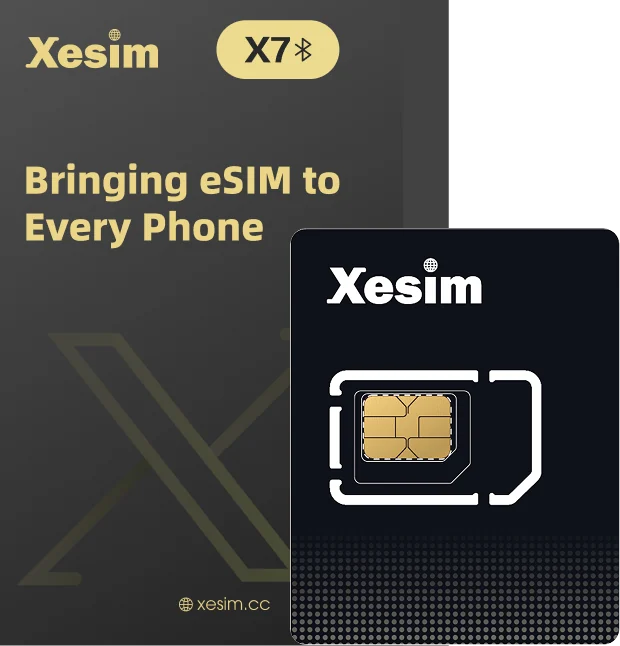
X7 蓝牙卡支持通过 Xesim App 直接管理卡片及 eSIM。每一步都可以先在模拟手机里点一遍。X7 lets you manage the card and its eSIMs right in the Xesim app. Try each step on the demo phone first.
X7 小卡放进手机卡托,打开 App 点「关联 Xesim 卡」,扫大卡背面的 EID 条形码。Put the X7 card in your SIM tray, open the app, tap Link Xesim card and scan the EID barcode on the back of the large card.
识别到 X7 后,App 会请求连接卡片所需的权限,按手机提示点「允许」,再点「连接」。不同手机和系统版本要的权限不一样:有的只要蓝牙,有的还要「附近设备」或「位置」权限,都是系统连接蓝牙设备的要求。模拟器里的弹窗只是示例。Once X7 is found, the app asks for the permissions it needs to connect. Tap Allow on each prompt, then Connect. What’s asked depends on your phone and OS version: some only need Bluetooth, others also need Nearby devices or Location. These are system requirements for connecting Bluetooth devices. The prompt in the demo is just an example.
关联只需首次做一次。印有 EID 的大卡请留好,或拍照留存。You only link once. Keep the large card with the EID, or take a photo of it.
这一步会经过的界面(点一项可在模拟器里查看)Screens in this step (tap one to view it in the demo)
X7 连接后,进入这张卡的「管理 eSIM」页面,点「添加 eSIM」→「扫码」,扫套餐供应商给你的二维码。With X7 connected, open the card’s Manage eSIM page, tap Add eSIM → Scan and scan the QR code from your plan provider.
下载时保持亮屏、别切走 App、别取卡,保持联网。没有二维码也能用相册或手动输入。Keep the screen on, stay in the app and keep the card in while it downloads. No QR? Use a photo or enter it manually.
这一步会经过的界面(点一项可在模拟器里查看)Screens in this step (tap one to view it in the demo)
在 X7 的「管理 eSIM」页面,打开要用的 eSIM 开关就启用好了。On X7’s Manage eSIM page, turn on the eSIM you want. That’s it.
启用、禁用或切换 eSIM 时,结果出来前请保持 App 在前台:别锁屏、别切到其他 App、别退到后台。When enabling, disabling or switching an eSIM, keep the app open until you see the result: don’t lock the screen, switch apps or send it to the background.
只用来接收短信、验证码?到这里就完成了,不要把它设为移动数据,以免产生额外费用。Only receiving texts or codes? You’re done. Don’t set it as your mobile data line, to avoid extra charges.
要用这张 eSIM 上网?再到手机设置里打开这条线路的「数据漫游」,并把它设为移动数据;关掉 Wi-Fi 打开网页,能刷出来就成功了。如需 APN,按套餐说明填写。Want to use this eSIM for data? In phone settings, turn on Data Roaming for this line and set it as your mobile data line. Then turn off Wi-Fi and open a web page to check. Fill in the APN if your plan asks for it.
这一步会经过的界面(点一项可在模拟器里查看)Screens in this step (tap one to view it in the demo)
模拟器仅用于了解操作流程,界面为示意,不连接真实卡片;具体请以实际 App 及其版本的功能和操作为准。The demo phone only shows how the steps go. Screens are examples and nothing is connected. Follow what your installed version of the app actually shows.